
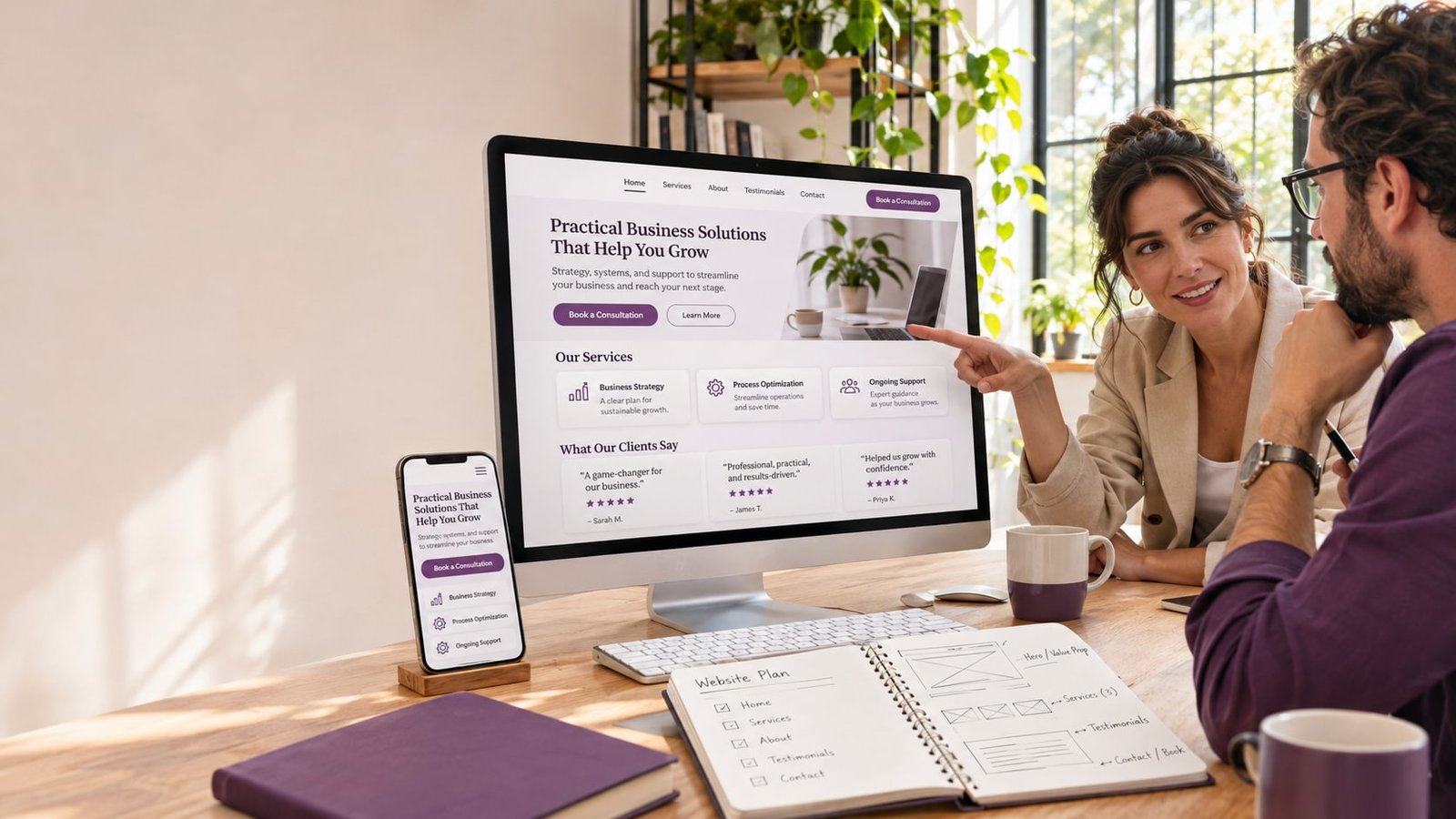
A business website does not need every available feature to be effective. It needs the right features for its customers, services, and operations. Adding tools without a clear purpose can make a website harder to navigate and more difficult to maintain.
For a growing business, a useful website makes the offer clear, builds confidence, and guides visitors toward a relevant next step. Here are the core features to consider when planning a new website or improving an existing one.
Clear service and product information
Visitors should be able to understand what the business offers without having to interpret vague descriptions. Each key service or product should have clear information about what it includes, who it is for, and how a customer can get started.
If a business offers several services, separate pages can make the information easier to scan. Each page can address the questions a customer is likely to have about that specific service. This also gives the business a place to add relevant examples, process details, or answers to common questions.
Avoid making claims the business cannot support. Accurate descriptions and specific details can help customers decide whether to make contact.
Straightforward navigation
A visitor should be able to find important information without guessing. Organize the main menu around customer needs, using familiar labels such as “Services,” “About,” “Projects,” and “Contact.”
Keep the primary navigation focused. Secondary information can appear in the footer or on relevant pages. On mobile devices, make sure the menu is easy to open, read, and use with a touch screen.
A useful test is to ask someone unfamiliar with the site to find a service, locate contact information, and understand the next step. If they struggle, the structure may need attention.
Clear calls to action
Calls to action tell visitors what they can do next. Examples include “Request a quote,” “Book a consultation,” or “View our services.” The wording should match the action and set an accurate expectation.
Each page should have a main action that fits its purpose. A service page might encourage an inquiry, while a resource article might direct readers to a related service or consultation. Avoid presenting too many competing buttons at once; that can make it less clear which action matters.
Mobile-friendly layouts and forms
Customers may use a phone to research a service, call the business, or submit an inquiry. A responsive design adjusts the layout for different screen sizes, but the experience should also be checked in practice.
On mobile, text should be readable, buttons easy to tap, and forms simple to complete. Ask only for the information the team needs to respond. If the form requests too much information upfront, consider whether those details can be collected later in the conversation.
A confirmation message after submission helps visitors know that their inquiry was received.
Trust-building information
Customers often want reassurance before they contact a business. Depending on the industry, useful information may include:
- Examples of completed work
- Customer reviews or testimonials
- Team or company background
- Service areas and working hours
- Certifications or memberships
- A clear explanation of the process
- Policies relevant to making a purchase or booking
Keep this information current and accurate. Specific examples and transparent explanations are usually more useful than broad claims that are difficult to verify.
Useful contact options
Contact information should be easy to find. Depending on how customers prefer to communicate, a business might provide a form, phone number, email address, booking tool, or messaging option.
Choose options your team can manage. If the website offers several contact channels, make sure each one is monitored and that staff know how to respond. A contact method that is rarely checked can create a poor customer experience.
Integrations that support real workflows
A website may connect with tools for payments, scheduling, customer management, email marketing, or inventory. These integrations can save time or improve the customer journey when they solve a specific need.
Before adding one, clarify what information it will share, who will maintain it, and whether it has ongoing fees. Each integration adds another point to configure and support, so it should have a clear purpose.
Analytics and ongoing improvement
Analytics can help a business understand how visitors use important pages and where they leave the site. When measurement is configured appropriately, the team can review useful indicators such as inquiries, bookings, sales, and visits to key service pages.
Data is most useful when connected to a business question. For example, if a service page receives visits but few inquiries, the team can review the page’s content, calls to action, and form experience. A single metric rarely explains the whole situation, so use analytics alongside customer feedback and business context.
Frequently asked questions
What is the most important feature for a small business website?
It depends on the business, but clear service information, simple navigation, mobile usability, and a visible way to get in touch are useful foundations for many companies.
Should every business add live chat?
No. Live chat is useful only if the business can monitor it and respond consistently. A well-designed contact form or clear phone and email options may be a better fit.
How should a business choose website features?
Start with the tasks customers need to complete and the processes the team needs to support. Then prioritize features according to their expected value, cost, and maintenance needs.
The best website feature set is one that helps customers make decisions and helps the business serve them effectively. A development expert can help evaluate which features are worthwhile for your specific goals and which can wait.
Not sure which features your website needs? Get expert advice for your business before planning your website project.