
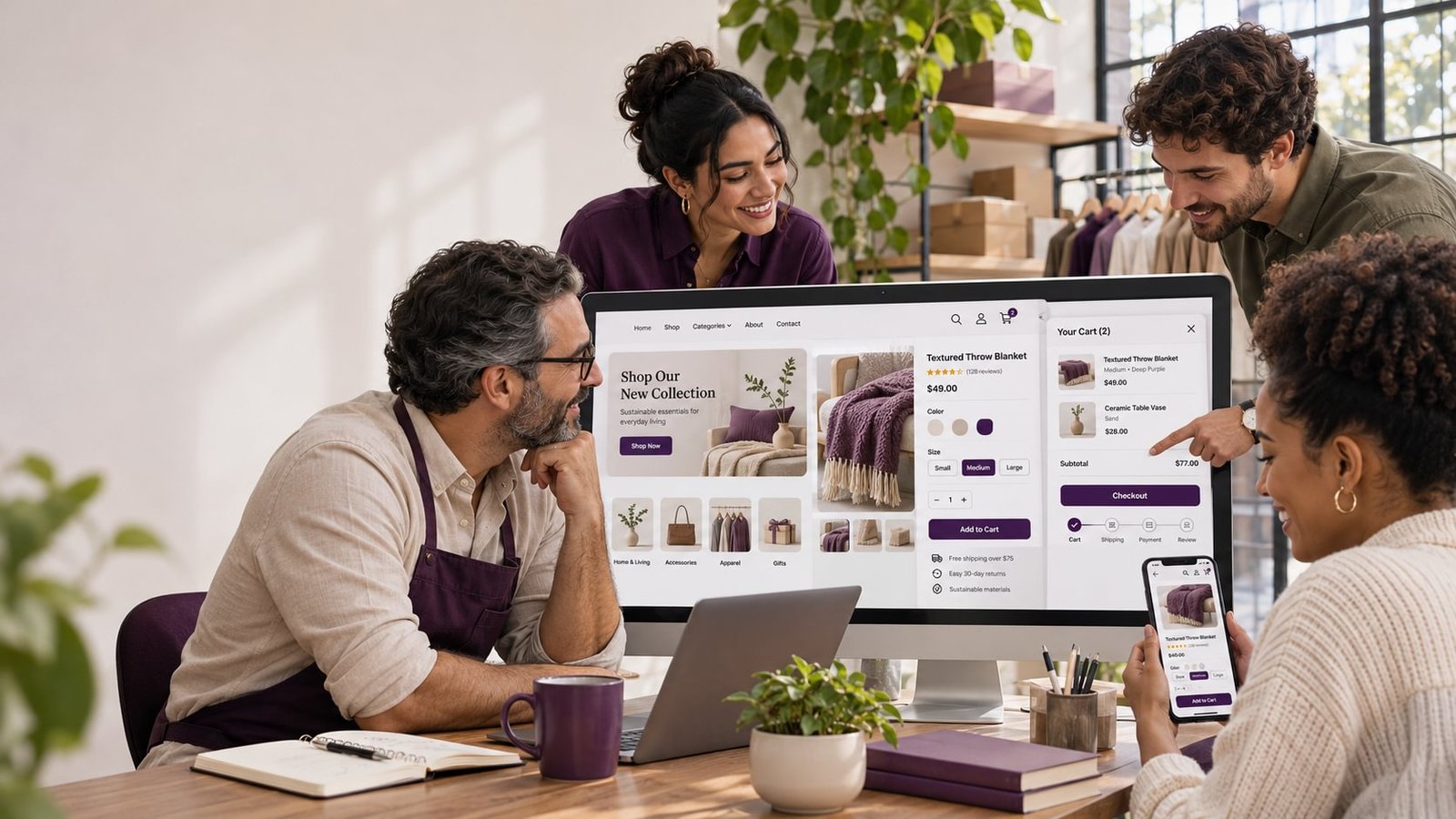
WooCommerce store customization can help a business make its online shopping experience clearer, more useful, and better suited to its products. Customization may involve the store’s visual design, product pages, navigation, cart, checkout, or specific customer workflows.
The goal should be to solve a real usability or business problem. A custom layout is not automatically better than a standard one. The right changes make it easier for customers to find products, understand their options, and complete an order.
Improve product discovery
When a store has a growing catalog, shoppers need ways to browse and narrow their choices. A useful category structure helps customers understand how products relate to one another. Filters may be helpful when shoppers compare attributes such as size, material, price, color, or compatibility.
Start by studying how customers describe and compare products. Organize categories and filters around those decisions rather than internal inventory labels that shoppers may not recognize.
Search should also return useful results. Review common searches, spelling variations, and product names. If customers often search for a model, part number, or specific attribute, make sure the store’s product information supports that behavior.
Make product pages easier to evaluate
Product pages should present essential information in a logical order. A shopper should be able to identify the item, view its options, understand availability, and see relevant delivery or return details.
For products with variations, make it clear which options are selected and how they affect price, availability, or images. Use consistent product photography and descriptions so customers can compare items more easily.
The layout should work on mobile. Controls should be easy to use, text should remain readable, and key details should not be hidden behind confusing interactions.
Reduce friction in the cart and checkout
The cart gives customers an opportunity to review their order before purchase. Make it straightforward to change quantities, remove items, review costs, and continue to checkout.
At checkout, request the information needed to fulfill the order and explain why it is required. Keep payment and delivery choices clear. If the store has special requirements, such as delivery scheduling or product personalization, explain them before customers submit an order.
Any changes to checkout should be tested carefully. A design that looks polished may still create problems if it behaves differently with certain products, delivery addresses, or payment methods.
Keep the store consistent with the brand
A store’s design should help customers recognize the business and navigate the catalog. Consistent typography, colors, imagery, and page layouts create a more cohesive experience.
Brand consistency should not make product information harder to read. Prioritize clarity in labels, buttons, error messages, and purchase details. Customers need to understand what they are selecting and what action will happen next.
Measure and refine changes
Before making major changes, identify the issue you want to improve. It might be poor use of category pages, customer questions about product options, or problems completing checkout.
After launch, review relevant store data and customer feedback. Changes should be refined based on how people use the store rather than assumptions about what looks better.
Frequently asked questions
When should a WooCommerce store be customized?
Consider customization when the current design or workflow creates a clear problem for customers or staff that cannot be addressed with a simpler configuration.
Can WooCommerce checkout be customized?
Checkout can be configured or extended, but changes should be evaluated for compatibility, usability, and future maintenance.
How can we test a new store design?
Test common shopping journeys on different devices, including product selection, cart updates, payment, shipping, and order confirmation.
A thoughtful customization project focuses on the decisions shoppers need to make and the steps they need to complete. Expert input can help identify the changes that will matter most to your store.
Need a more effective shopping experience? Get expert advice for your business about WooCommerce store customization.